Count every cost.
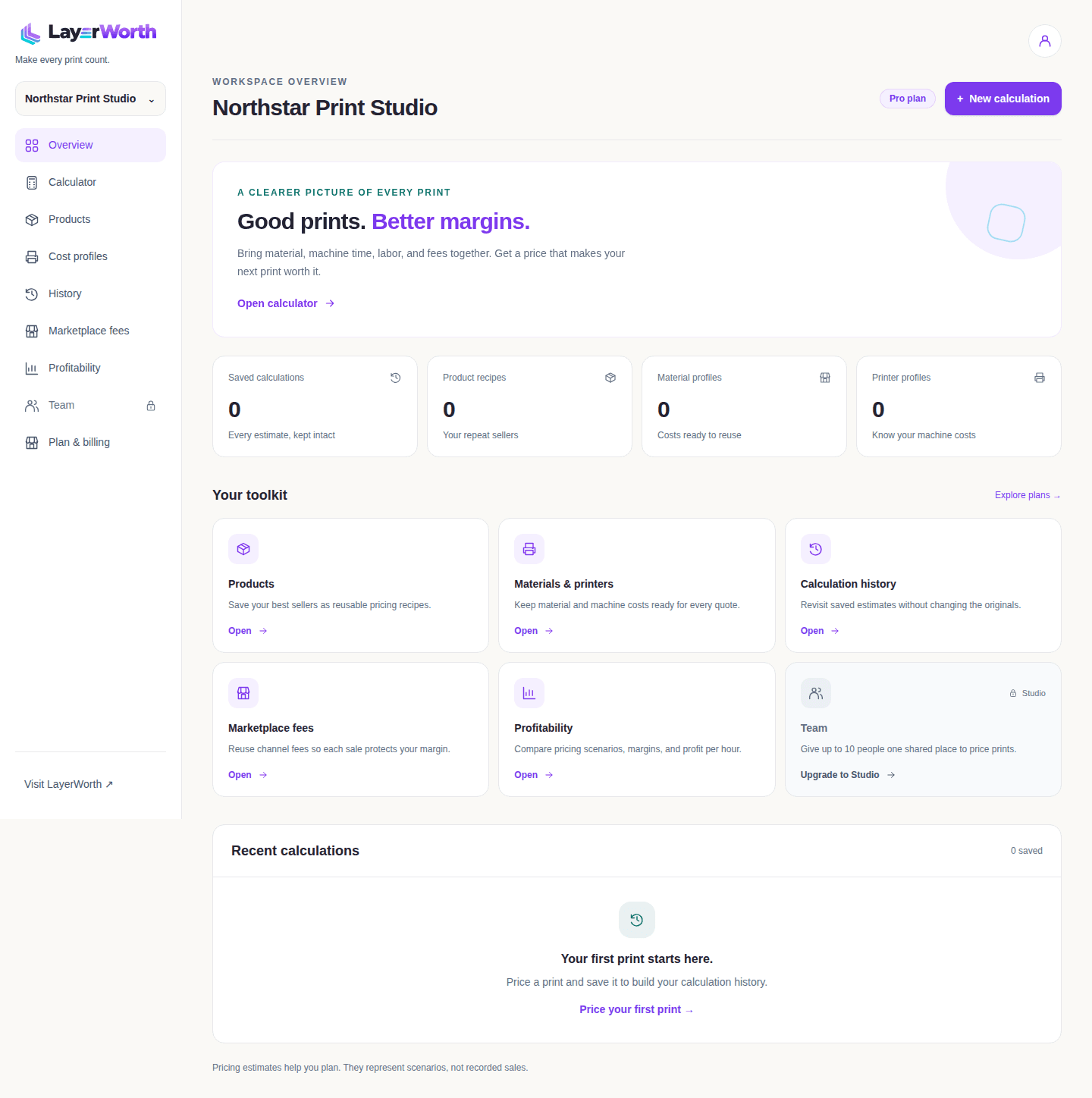
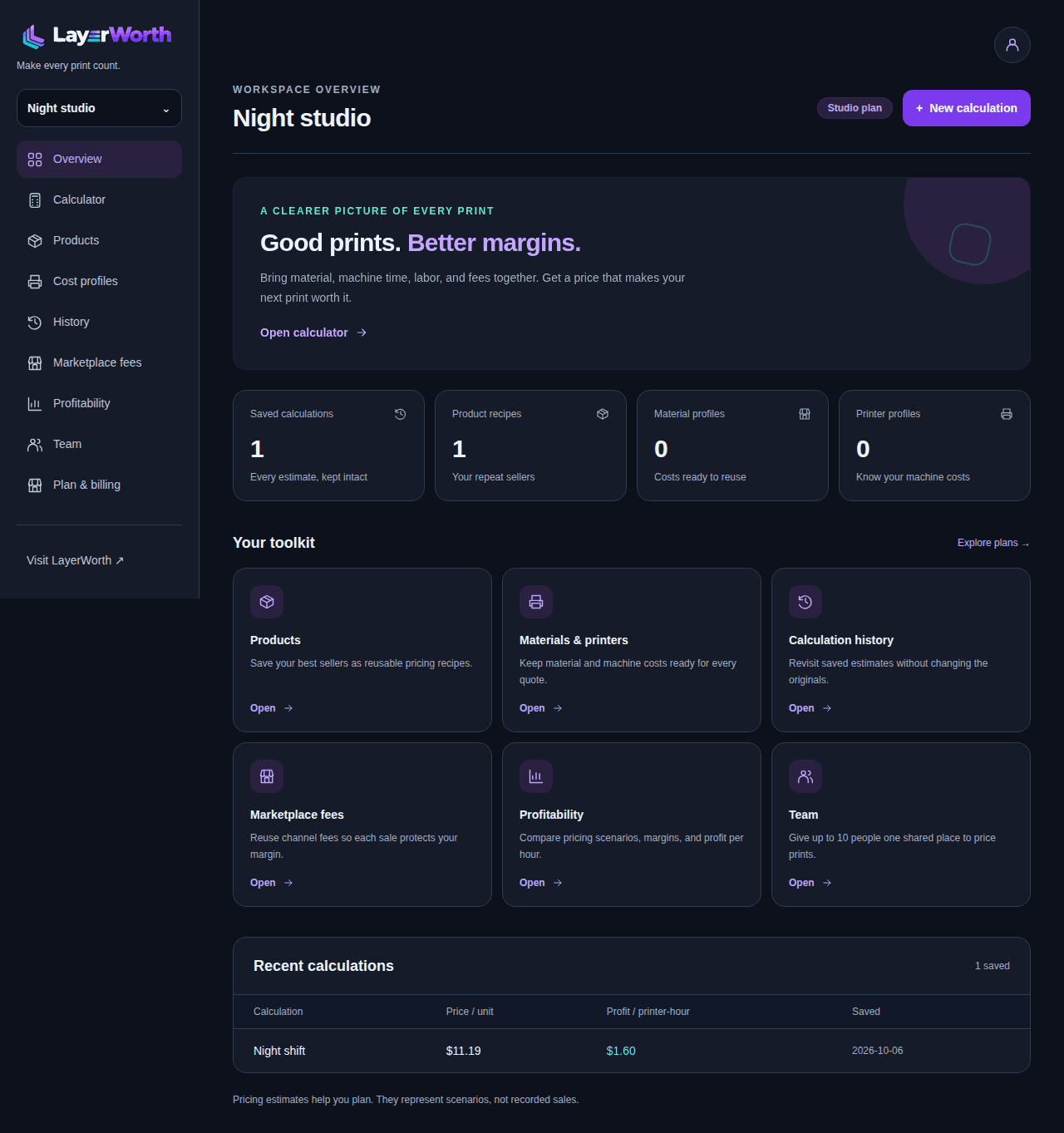
Include filament, machine wear, electricity, labor, packaging, and failed prints.


Free calculator · No account needed.
Turn your 3D prints into prices that actually pay. Know your true costs, protect your margin, and get more from every printer-hour.
Free calculator. No account needed.
Built for people who make
Include filament, machine wear, electricity, labor, packaging, and failed prints.
Work backward from your target margin, with marketplace fees included in the math.
See profit per printer-hour and understand what each job earns while your machine is busy.
Try it right here
Recommended / unit
$9.21
True cost / unit
$4.49
Profit / order
$4.15
Profit / printer-hour
$1.38
Profit per order subtracts total costs and channel fees from customer revenue. Per-unit costs exclude channel fees; the breakdown below shows order totals.
45.0% net margin after fees · 3.00 expected printer-hours including retries
Estimates in USD, based on your inputs. You choose your final price. How we calculate. Batch totals are shared across all units. Failure reserves cover material, machine, energy, and plate labor. Packaging and finishing apply once to successful units.
Make time pay
Profit per printer-hour divides estimated order profit by machine time, including expected retries. Compare that number alongside demand and the time you spend finishing each job.
| Example | Material / time | Price / unit | Profit / order | Profit / printer-hour |
|---|---|---|---|---|
| Cable clip | 10 g · 0.3 h | $6.99 | $3.15 | $9.97 |
| Small planter | 80 g · 3 h | $10.94 | $4.93 | $1.56 |
| Decorative print | 150 g · 12 h | $16.83 | $7.58 | $0.60 |
Room to grow
Start with the free calculator and 1 workspace. Choose the plan that fits your print business.
One account plan covers all your owned workspaces. Prices in USD. Annual plans are billed once per year.
Price your prints with your own costs. No card needed.
$0/ month
Always free
I want to know what to charge.
For side projects that deserve more than a guess.
$10/ month
Billed monthly
I sell prints sometimes.
What’s included
For turning your print business into your next big thing.
$20/ month
Billed monthly
I run a 3D-print business.
Everything in Maker, plus:
For more printers, more people, and more possibilities.
$30/ month
Billed monthly
I manage a farm or team.
Everything in Pro, plus:
Yes. Price a single-plate batch without an account using material, energy, labor, shipping, packaging, overhead, basic selling fees, target margin and one total for extra components. You can check your selling price and profit per printer-hour. A free account includes 1 workspace. Printer depreciation, maintenance and failed-print reserves require Maker or higher and are excluded from Free estimates.
Maker includes 1 workspace, printer depreciation and maintenance, failed-print reserves, separate costs for each plate and filament, itemized components with reusable saved costs, and minimum price and profit safeguards. You can save cost profiles, calculation history and up to 25 product recipes per workspace. Quick totals remain available when you want a simple estimate.
Yes, with Maker or higher. Expand “Price each plate & filament” and choose per-plate costing. Enter the print time and filament quantities for each plate, with up to 20 plates and 10 filaments per plate. Each filament can have its own cost. Printer, energy and failure assumptions apply across the batch. Switch back to quick totals when you do not need the breakdown.
Free lets you enter one extra-material cost for the whole order. Maker and higher also let you expand “Track components individually,” assign a cost and quantity to each component, choose quantities per finished item or per order, and quickly add saved component prices. Itemized costs replace the quick total, so they are not counted twice.
Expand them to see the fields or an example of what Maker unlocks, then follow the upgrade link when you need those tools. Locked fields and example costs are excluded from Free calculations. Opening or closing a section does not change your estimate. On paid plans, choose quick totals or itemized costing explicitly; collapsing the section keeps your active recipe intact.
Pro includes up to 5 workspaces, unlimited products, saved marketplace fee profiles, profitability insights, and CSV exports. Studio includes unlimited workspaces, shared workspaces for up to 10 people, and printer profitability comparisons.
No. Margin is profit divided by total customer revenue. Markup compares profit with cost. A 50% margin is different from a 50% markup.
Annual plans are charged once per year: Maker $100, Pro $200, Studio $300, in USD. The displayed monthly price is that annual amount divided by 12. You receive the value of 2 months free compared with monthly billing. Review the total and any applicable tax in checkout.
Owners can open the billing portal from Plan & billing inside their workspace. It provides subscription, payment, and cancellation controls. Check the billing page for your current access period and cancellation status.
A downgrade preserves saved data, but tools outside your new plan become locked. Pro and Studio include CSV exports of saved calculations; export the records you need before changing plans.
Choose a currency in the public calculator; this browser remembers your choice. Supported currencies are USD, CAD, EUR, GBP, AUD, NZD, CHF, INR, SGD, MXN, BRL, ZAR. In Account → Profile, set your default for new workspaces. Workspace owners can change the workspace default in the same tab under “This workspace.” New calculations and cost profiles use that default. All costs in an estimate must use the same currency; changing a choice does not convert amounts. Subscription billing remains in USD.
No. Saved products, cost profiles and calculation history keep their original currency. Changing the workspace default affects new work. Calculators load only cost and marketplace profiles with a matching currency, and reports keep totals separate by currency. LayerWorth does not apply exchange rates or automatically convert saved costs.
On Maker and higher, purchase price minus residual value is spread across service-life hours. Maintenance cost per hour is added, then multiplied by print time. A failure reserve also covers expected repeated machine costs when you enter a failure probability. You set these assumptions; Free excludes depreciation and maintenance.
Maker and higher let you enter the probability of a failed plate. The reserve covers expected retries of material, machine, energy and plate labor, and expected printer-hours include those retries. Finishing, packaging and shipping are charged once for successful units. This assumes failed attempts consume the full repeatable plate cost; it does not model partial failures. Free uses no failure reserve.
The model uses material weight and print time. It does not automatically estimate resin volume, washing, curing, or consumables. Include your post-processing labor and other costs explicitly; these are not resin-specific presets.
Free and Maker let you enter basic percentage and fixed fees. Pro and Studio can save detailed marketplace fee rules. Enter current rates from your selling channel; example values are not authoritative platform tariffs.
The public calculator runs in your browser. Maker and higher can save calculations and product recipes in a workspace. Stored workspace data is controlled by membership and access permissions; Studio lets you invite teammates.
We use essential cookies to keep LayerWorth working and basic cookieless measurement on public pages. Accept analytics cookies for additional product analytics, or reject optional cookies. Your calculator and account work either way. See what we collect.